Can I buy online, and what happens after I pay?
Yes. Choose a plan under Buy now and pay by card through Stripe. Straight after payment you see your next steps. With your own server you get the download, the install guide and the technical overview; install it yourself or book us to install it for you by video call, then send us your Installation ID and we email your licence key within one working day. With Hosted or Hosted Plus there is nothing to install: we set it up and email your address and owner login within one working day.
How much does it cost?
$399 one-time covers head office and up to 10 properties. Each property after that is $99 one-time. Then choose where it runs: on your own server for no monthly fee, Hosted by us for $39 a month, or Hosted Plus for $59 a month. Pay hosting yearly and you get two months free. There is no cost per user: unlimited users, unlimited access and unlimited jobs and tasks, with every tool included.
What does the one-time fee cover?
A licence to use SRG OPCOMS that never expires, every tool, unlimited users and departments, set-up of your properties and teams, your logo and colours, and manager training by video call.
Is there a contract for hosting?
No. Hosting is month to month, or yearly if you want two months free. If you stop, we give you a full copy of your data so you can run it on your own server.
Do staff need to install anything?
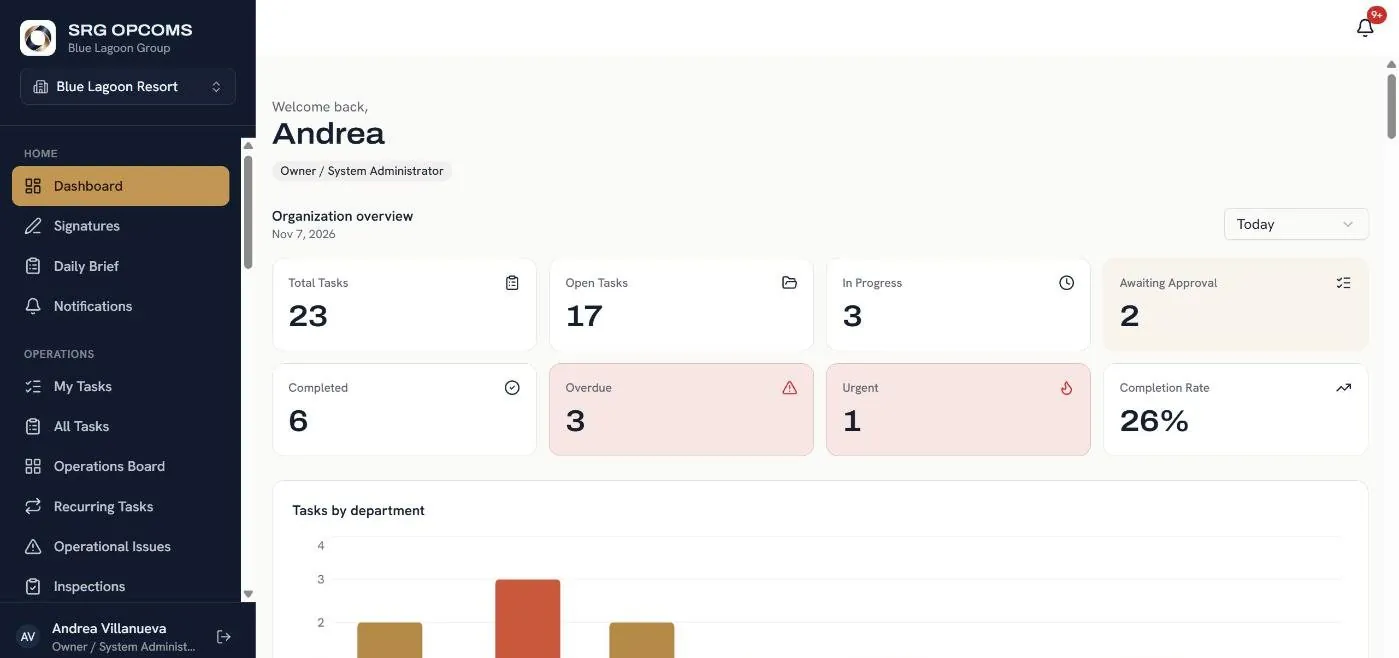
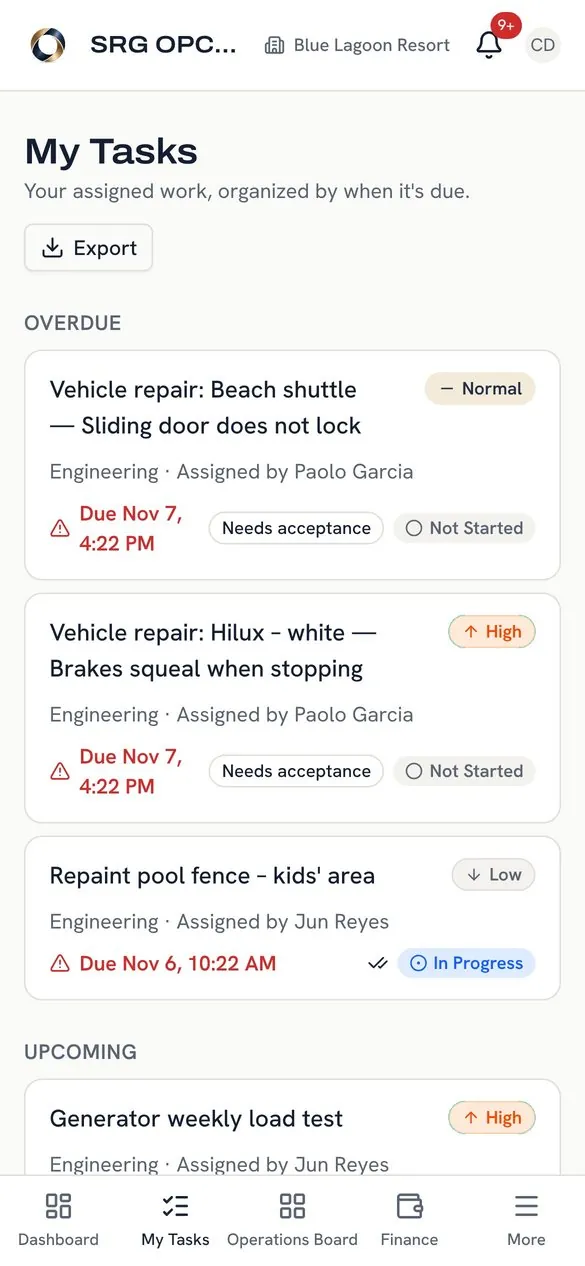
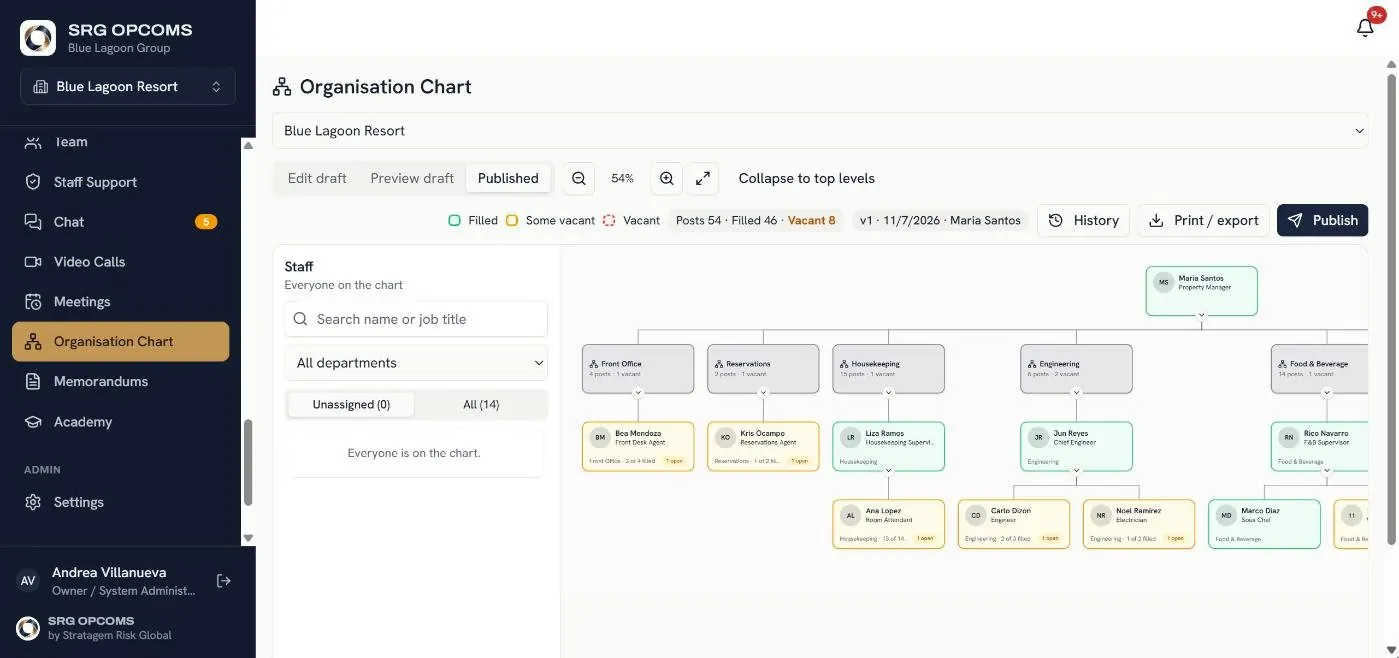
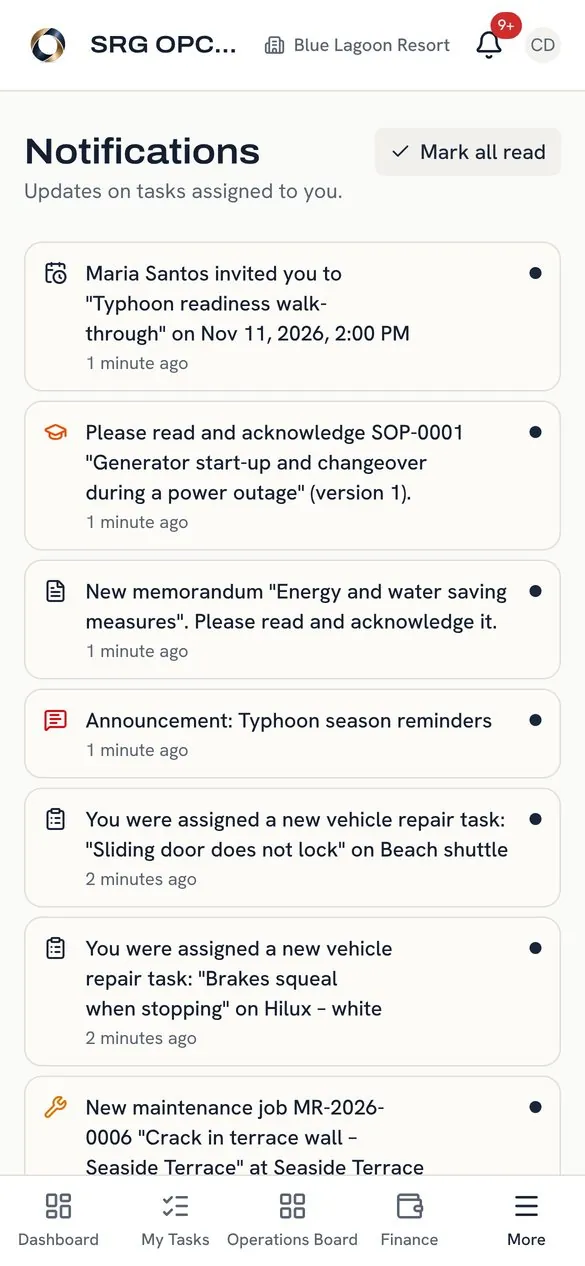
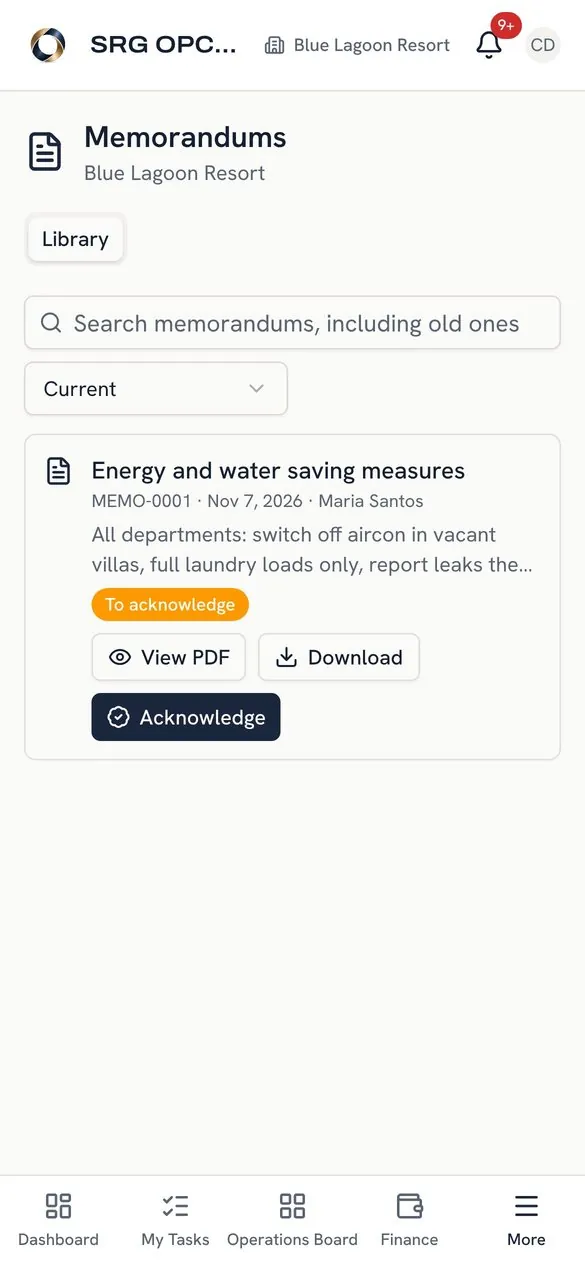
No. They open your company's address on their phone, sign up and add it to the home screen. It works on Android and iPhone. Offices can also use it in a browser or the desktop app.
Does it work without internet?
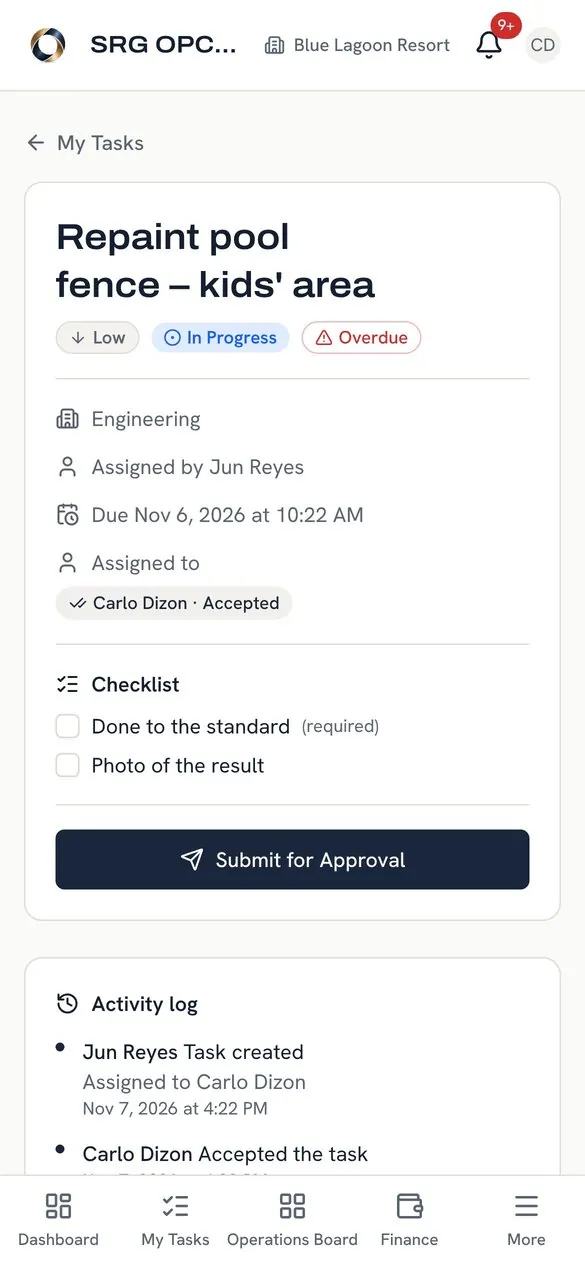
Yes. After staff sign in once while online, the app keeps working with no signal for assets, maintenance, inspections, daily checklists and tasks. They can record meter readings, report faults with photos, accept and complete jobs, fill in inspections and checklists, and update their tasks. Everything is saved on the phone and syncs automatically, in order, as soon as the connection is back. Approvals and a few manager actions need a connection.
Is it only for hotels and resorts?
No. Hospitality is where it started, but it works for any business with sites, teams, repairs and approvals: restaurants, dive centres and tour operators, facilities and property management, construction, retail, security, schools, clinics and fleets. You name your own locations, departments and roles, and switch on only the tools you use. It works in any country, with your own currency and time zone.
Can one property see another's information?
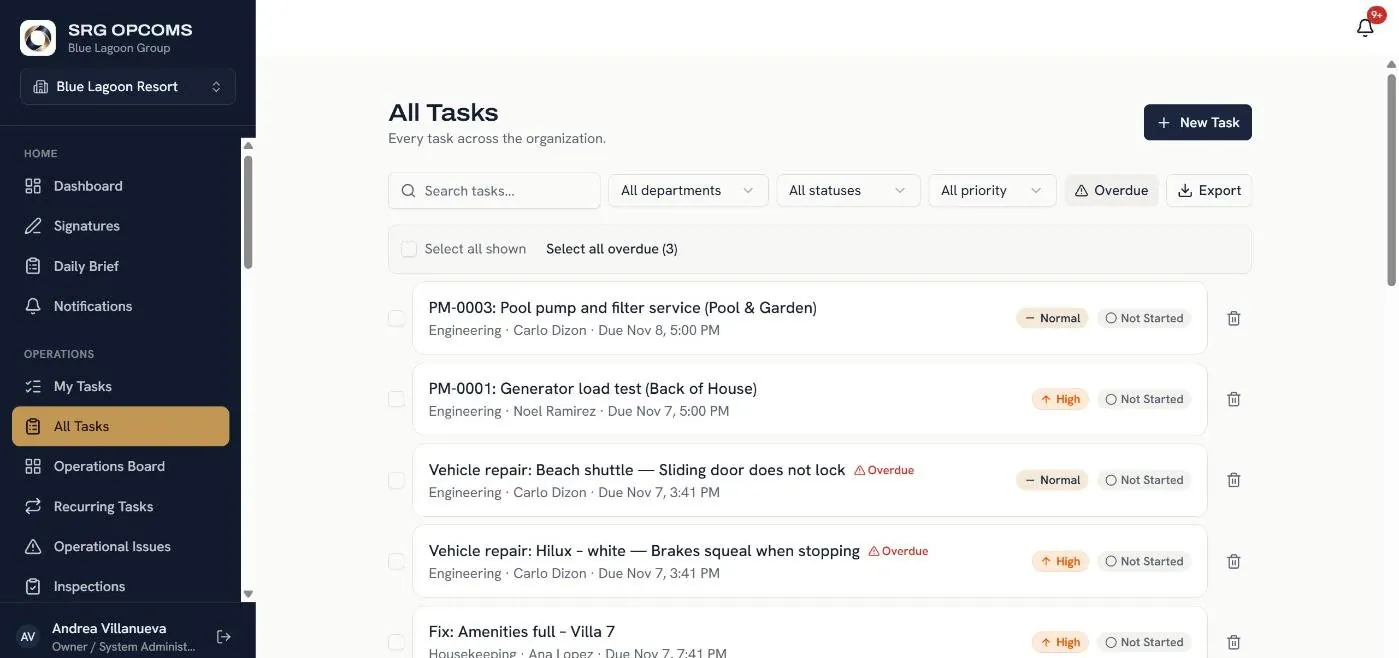
No. Each property only sees its own people and records. Head office sees all of them and can filter by property and department.
Where is our data stored?
On our servers if we host it, or on your own server if you choose to run it yourself. Each company has its own installation and its own database. No company can see another's data.
Does it connect to Booking.com, Agoda or our PMS?
Yes, as a paid add-on. We can sync your reservations with Booking.com, Agoda, Expedia, Airbnb and other booking sites, so availability and bookings stay in step and nothing is double booked. OTA sync costs extra on top of the licence and hosting; ask us for a price for your property. If you already use a PMS or channel manager, tell us which one and we'll tell you what's possible.
How long does it take to get started?
About a week from your first message. We set up your system within one working day, then train your managers. Staff join from their phones in a minute.
Do we own the software?
Your licence gives you the right to use SRG OPCOMS. Your data is always yours, but the software, source code and brand remain with Stratagem Risk Global. See the Terms.
Can we try it first?
Yes. Log in to the live demo right now, or start a free 30-day trial that we host for you. Prefer your own server? Download the trial and install it yourself. No payment details needed.